
Philips
USB Docking Monitors
Powering your work life
Small connector, great convenience
With Philips USB-C Docking displays you will be able to:
Innovating connectivity with USB docking
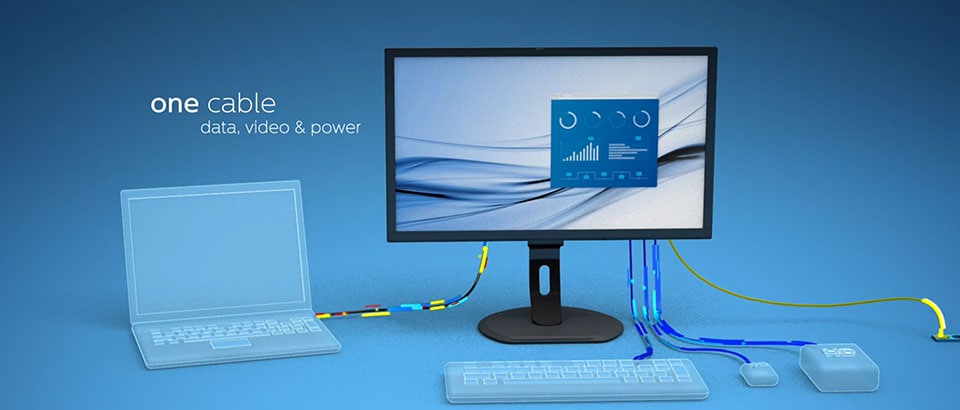

USB-C Docking
Highly powerful
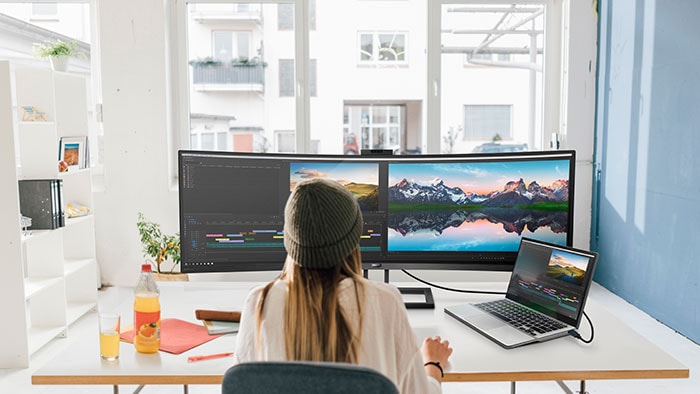
Say goodbye to chargers and power cables. One USB-C port delivers up to 90W to your laptop or smart devices, bringing order and convenience to your digital workspace. Philips monitors are tested to ensure compatibility with a wide range of laptop and phone brands and models.

Data
Blazingly fast
The latest USB 3.2 standard provides 20 times the speed of USB 2.0, making you more productive as your data transfers are now completed in a fraction of the time you were used to. A full 4K movie, for instance, can be transferred in less than 60 seconds.

Ethernet
Ethernet RJ45
On top of the multiport USB hub, we uniquely provide also an Ethernet (RJ45) port for added convenience.
Choose your USB-C Docking solution:
USB-C
A single USB-C can really change your user experience and the way you work. No more chargers, power and signal cables, the one-for-all solution delivers up to 90W to your laptop or smart devices and brings order to your digital workspace.
USB-C products
-
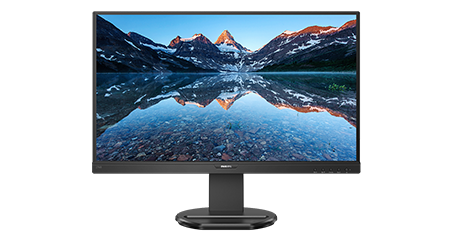
UltraWide LCD monitor
346E2CUAE/27
- E Line
- 34" (86.36 cm)
- 3440 x 1440 (WQHD)
-
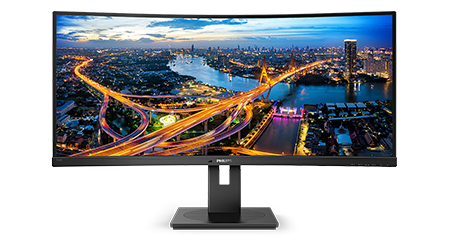
UltraWide LCD monitor
343E2E/27
- E Line
- 34" (86.36 cm)
- 2560 x 1080 (WFHD)
-
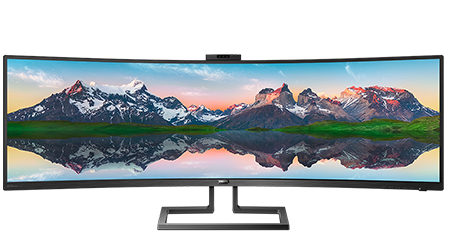
Gaming Monitor
4K HDR display with Ambiglow
558M1RY/27
- Momentum
- 55" (139.7 cm)
- 3840 x 2160 (4K UHD)
-
LCD monitor
271B8QJEB/27
- B Line
- 27" (68.6 cm)
- 1920 x 1080 (Full HD)
-
LCD monitor with USB-C
243B1/27
- B Line
- 24 (23.8" / 60.5 cm diag.)
- 1920 x 1080 (Full HD)


USB Docking
The best solution, designed for corporate and office environment, is the unique USB-C docking that combines USB-C, RJ45 and DP-out for added convenience. This replaces perfectly any external bulky docking standalone, reducing unwanted clutter on the desks, but assuring high connectivity.
USB Docking Pro
For professional users that need the most advanced and comprehensive solution, Philips designed monitors a vertical hybrid docking that allows an even more versatile connectivity that feature universal port replication and assures higher quality for power, data and audio/video delivery.
More from Philips Monitors


Help, support and updates
Register your Monitor
Create your free ‘My Philips’ account to register your new monitor. Once registered, we’ll notify you when new updates are available.
Software updates
Keep your Philips Monitor performing at its best. If there’s a new software update, you’ll find it here. And if you’ve lost your drivers, you can download them here too for free.
Support platform
The quickest way to resolve any technical issues and settings is by checking the Philips Monitor troubleshooting guide. Use these handy tips and tricks to get your monitor back on track in no time.
Contact us
We’re here to help. Whether you need advice in purchasing a Philips Monitor or support in setting it up, you can contact us by phone, email or online chat.

