Philips Support
How do I enter my email address and password into the Netflix app on my Philips TV, I don't see a keyboard on-screen?
Published on 2016-12-12
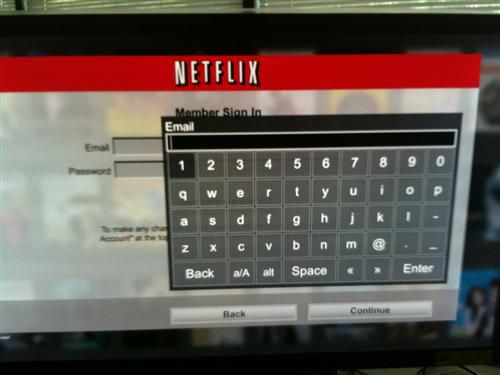
Once at the Netflix Member Sign In screen press [OK] on the remote to bring up the on-screen keyboard.
Select [Enter] once you have completed your email address.
Use the down arrow on the remote to select the password box and again press [OK] to bring up the on-screen keyboard.
Select [Enter] once you have completed the password.
Select [Continue] to complete the login.
Contact Philips
We are happy to help you



