Philips Support
The picture is not displayed on my Philips TV
Published on 2016-12-29
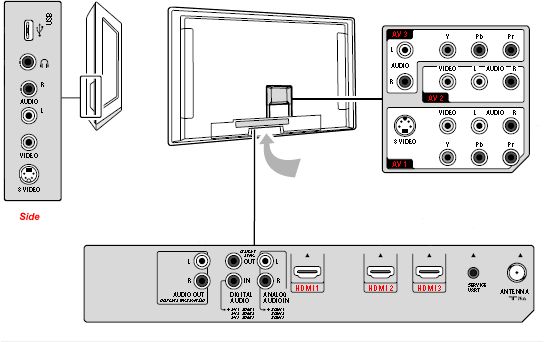
- Use the [Source] button on the remote to select correct input.
- Turn on your connected device.
- Press the [Source] button on the remote control.
- Select your [Source] (based on how you have your set connected) with the cursor [Up] or [Down].
- Press the [OK] button.
Contact Philips
We are happy to help you



