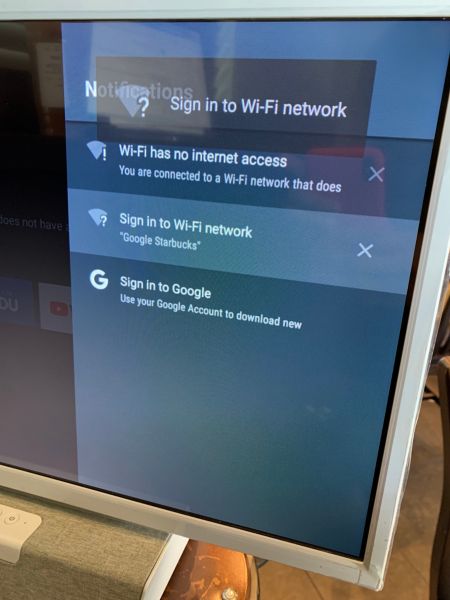
To connect your Philips Android TV to a wireless network that requires a unique login, such as those used in hotels, public areas or dorm rooms, please follow the below instructions.
- Once your TV is set up, press the home button on your remote control and navigate to settings.
- Select Network and then choose the wireless network you want to connect to.
- Once the Connected Successfully message appears, press the home button on your remote and navigate to Notifications.
- Your notifications panel will display “Sign in to Wi-Fi network”, press OK on your remote control.
Follow the on-screen instructions and submit to connect.